# After latest update lens shows only black screen Mac OS
**URL:** https://forums.k8slens.dev/t/after-latest-update-lens-shows-only-black-screen-mac-os/5921
**Category:** Lens Support & Troubleshooting
**Created:** [April 22, 2025, 6:25am UTC](https://forums.k8slens.dev/t/after-latest-update-lens-shows-only-black-screen-mac-os/5921 "2025-04-22T06:25:10Z")
**Posts on this page:** 12
**Page:** 1
### Author:  [@jhon.samson47](https://forums.k8slens.dev/u/jhon.samson47)
#### Post date: [April 22, 2025, 6:25am UTC](https://forums.k8slens.dev/t/after-latest-update-lens-shows-only-black-screen-mac-os/5921/1 "2025-04-22T06:25:10Z")
Hi ,
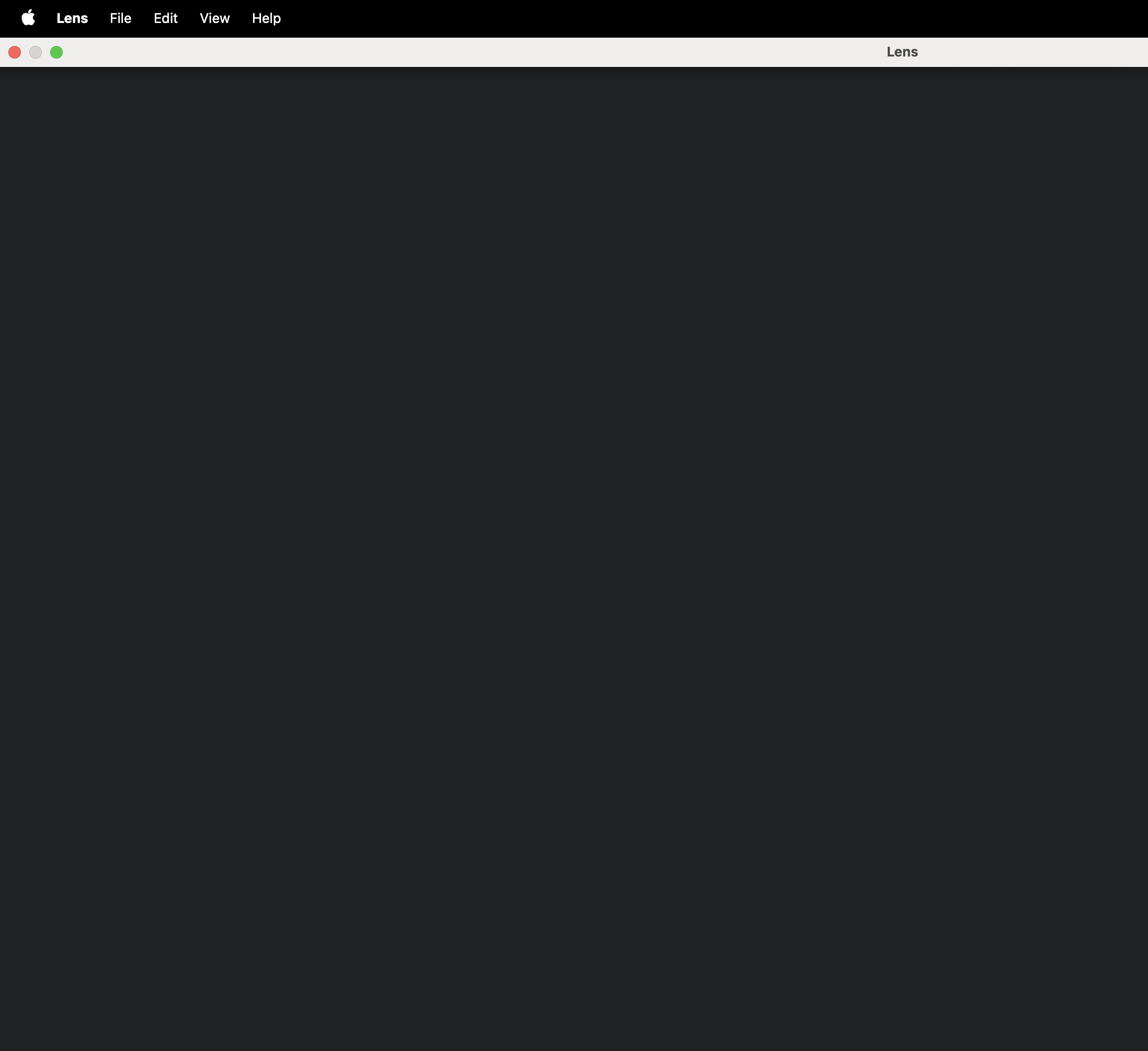
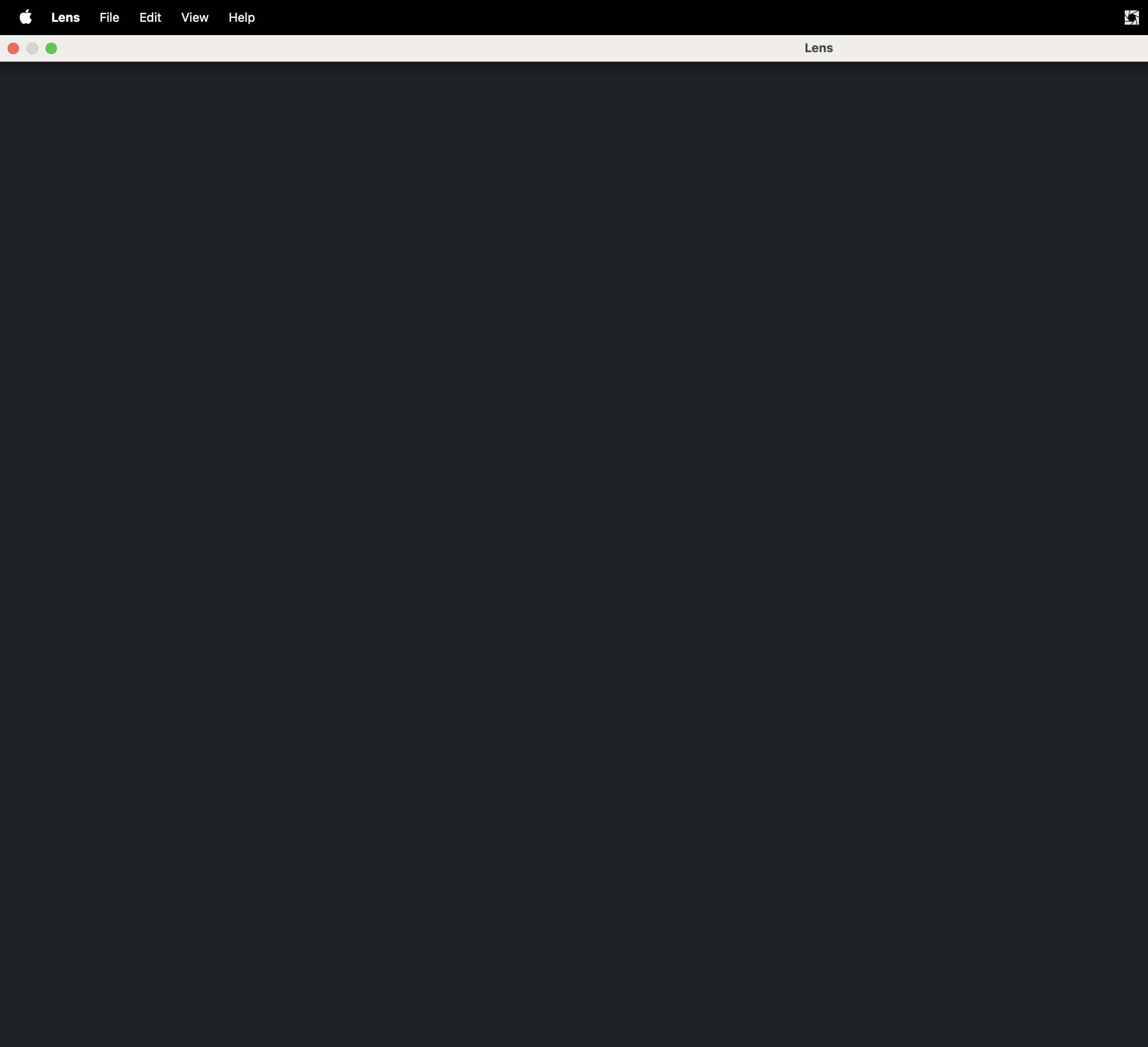
I am facing a n issue where lens just shows blank/black screen only few options work unable to use it. this issue is in mac os
---
### Author:  [@crothmann](https://forums.k8slens.dev/u/crothmann)
#### Post date: [April 22, 2025, 6:28am UTC](https://forums.k8slens.dev/t/after-latest-update-lens-shows-only-black-screen-mac-os/5921/2 "2025-04-22T06:28:45Z")
Sorry to hear you’re running into this issue!
Have you already tried restarting the application? If the issue still occurs after a restart, that could help us narrow down what’s going wrong.
Also, could you let us know **how you installed Lens** — was it through the **auto-update** mechanism or via a **download from our website**?
We’re here to help and will wait for your response so we can look into this further with you!
---
### Author:  [@1rajavarman2001](https://forums.k8slens.dev/u/1rajavarman2001)
#### Post date: [April 24, 2025, 11:59am UTC](https://forums.k8slens.dev/t/after-latest-update-lens-shows-only-black-screen-mac-os/5921/3 "2025-04-24T11:59:14Z")
Hi,
I am also facing the same issue, I have updated my windows from 10 to 11 at that time I was getting a javascript error in k8s lens, so I completely uninstalled and reinstalled the latest version which was working fine, but for the past 2 days , whenever I try to open the lens it is taking too much time at loading screen and it is throwing a blank screen.
I have downloaded the setup from official website and installed it
> **[Lens – Download](https://lenshq.io/download)**
>
> Lens K8S IDE brings clarity and control to Kubernetes. With built-in Prism AI, it’s like having an SRE by your side — always ready to help.
---
### Author:  [@jhon.samson47](https://forums.k8slens.dev/u/jhon.samson47)
#### Post date: [April 24, 2025, 11:59am UTC](https://forums.k8slens.dev/t/after-latest-update-lens-shows-only-black-screen-mac-os/5921/4 "2025-04-24T11:59:24Z")
Hi ,
I tried restarting it didn’t work still blank screen.
I intalled Lens: 2024.5.271333-latest version initially last year after that it was auto-update that updated further versions untill the current version.
I also tried removing and installing lens by downloading the latest version still the same error.
---
### Author:  [@crothmann](https://forums.k8slens.dev/u/crothmann)
#### Post date: [April 24, 2025, 1:10pm UTC](https://forums.k8slens.dev/t/after-latest-update-lens-shows-only-black-screen-mac-os/5921/5 "2025-04-24T13:10:54Z")
We’re very sorry you’re experiencing this issue. We understand how disruptive it is, and we’re treating it with **high priority**.
To help us investigate and resolve the problem as quickly as possible, we kindly ask all affected users to **send us your logs** :
**How to export logs:**
- In Lens, open the **Help** menu.
- Select **“Export Logs”** (see screenshot below).
- If the screen is completely black and you can’t access the menu, please let us know as well.
**Where to send logs:**
- Email: **support@k8slens.dev**
- Subject: Please use the **after-latest-update-lens-shows-only-black-screen-mac-os** as the email subject.
We appreciate your patience and support while we work on this. Our team is actively investigating the issue across **macOS and Windows** and will share updates as soon as possible.

---
### Author:  [@jehrismann](https://forums.k8slens.dev/u/jehrismann)
#### Post date: [May 5, 2025, 8:08pm UTC](https://forums.k8slens.dev/t/after-latest-update-lens-shows-only-black-screen-mac-os/5921/6 "2025-05-05T20:08:40Z")
Hi [jhon.samson47](https://forums.k8slens.dev/u/jhon.samson47)
Have you tried rebooting your system, in case there are some old Lens processes still running? One of the logs appears not to have been updated after Apr 9, the date of the update, which seems suspicious.
---
### Author:  [@jehrismann](https://forums.k8slens.dev/u/jehrismann)
#### Post date: [May 7, 2025, 7:25pm UTC](https://forums.k8slens.dev/t/after-latest-update-lens-shows-only-black-screen-mac-os/5921/7 "2025-05-07T19:25:58Z")
@jhon.samson47@1rajavarman2001 Try quitting Lens, renaming the appData folder to something else, then restart Lens. If this fixes the issue, we can investigate further the contents of your appData folder. The appData folder is listed [here](https://docs.k8slens.dev/getting-started/install-lens/#backup-and-restore-data)
---
### Author:  [@hazx632823367](https://forums.k8slens.dev/u/hazx632823367)
#### Post date: [May 13, 2025, 12:43pm UTC](https://forums.k8slens.dev/t/after-latest-update-lens-shows-only-black-screen-mac-os/5921/8 "2025-05-13T12:43:14Z")
I also encountered a similar problem. The Lens has been in a black screen state since it was started.
I’m using the Windows 11 operating system. I tried to delete directory `main-view-feature` and `migrations` under directory `C:\Users\UserName\AppData\Roaming\Lens\persisted-state`, then lens resumed.
Hope it can provide you with some references.
---
### Author:  [@papoyan.david96](https://forums.k8slens.dev/u/papoyan.david96)
#### Post date: [May 14, 2025, 7:40am UTC](https://forums.k8slens.dev/t/after-latest-update-lens-shows-only-black-screen-mac-os/5921/9 "2025-05-14T07:40:41Z")
I also have an issue with running lens, but on the debian, even though couple of days ago everything was working perfectly. I think those issues are related. At first is was not running at all. Then i uninstalled and installed it anew, and then run lens through console. Here is an error I receive
```auto
innerError Error: Cannot find module '../build/Debug/pty.node'
Require stack:
- /opt/Lens/resources/app.asar/node_modules/node-pty/lib/unixTerminal.js
- /opt/Lens/resources/app.asar/node_modules/node-pty/lib/index.js
- /opt/Lens/resources/app.asar/node_modules/@lensapp/core-main/dist/index.js
- /opt/Lens/resources/app.asar/static/build/main.js
-
at Module._resolveFilename (node:internal/modules/cjs/loader:1232:15)
at s._resolveFilename (node:electron/js2c/browser_init:2:129200)
at Module._load (node:internal/modules/cjs/loader:1062:27)
at c._load (node:electron/js2c/node_init:2:17950)
at TracingChannel.traceSync (node:diagnostics_channel:322:14)
at wrapModuleLoad (node:internal/modules/cjs/loader:227:24)
at Module.require (node:internal/modules/cjs/loader:1318:12)
at require (node:internal/modules/helpers:136:16)
at Object. (/opt/Lens/resources/app.asar/node_modules/node-pty/lib/unixTerminal.js:29:15)
at Module._compile (node:internal/modules/cjs/loader:1562:14) {
code: 'MODULE_NOT_FOUND',
requireStack: [
'/opt/Lens/resources/app.asar/node_modules/node-pty/lib/unixTerminal.js',
'/opt/Lens/resources/app.asar/node_modules/node-pty/lib/index.js',
'/opt/Lens/resources/app.asar/node_modules/@lensapp/core-main/dist/index.js',
'/opt/Lens/resources/app.asar/static/build/main.js',
undefined
]
}
A JavaScript error occurred in the main process
Uncaught Exception:
Error: /lib/x86_64-linux-gnu/libc.so.6: version `GLIBC_2.34' not found (required by /opt/Lens/resources/app.asar.unpacked/node_modules/node-pty/build/Release/pty.node)
at process.func [as dlopen] (node:electron/js2c/node_init:2:2569)
at Module._extensions..node (node:internal/modules/cjs/loader:1741:18)
at Object.func [as .node] (node:electron/js2c/node_init:2:2796)
at Module.load (node:internal/modules/cjs/loader:1296:32)
at Module._load (node:internal/modules/cjs/loader:1115:12)
at c._load (node:electron/js2c/node_init:2:17950)
at TracingChannel.traceSync (node:diagnostics_channel:322:14)
at wrapModuleLoad (node:internal/modules/cjs/loader:227:24)
at Module.require (node:internal/modules/cjs/loader:1318:12)
at require (node:internal/modules/helpers:136:16)
Driver does not support the 0x46a6 PCI ID.
[175719:0514/001109.360524:ERROR:viz_main_impl.cc(183)] Exiting GPU process due to errors during initialization
Driver does not support the 0x46a6 PCI ID.
```
---
### Author:  [@phorsmalahti](https://forums.k8slens.dev/u/phorsmalahti)
#### Post date: [May 14, 2025, 7:41am UTC](https://forums.k8slens.dev/t/after-latest-update-lens-shows-only-black-screen-mac-os/5921/10 "2025-05-14T07:41:40Z")
The latest release of Lens doesn’t work on Ubuntu 20.04 (or older Linux version with old glibc). You can either upgrade your OS or download the earlier version of Lens:
- [https://downloads.k8slens.dev/ide/Lens-2025.4.92142-latest.amd64.deb](https://downloads.k8slens.dev/ide/Lens-2025.4.92142-latest.amd64.deb)
- [https://downloads.k8slens.dev/ide/Lens-2025.4.92142-latest.x86\_64.rpm](https://downloads.k8slens.dev/ide/Lens-2025.4.92142-latest.x86_64.rpm)
---
### Author:  [@anshuman.singh](https://forums.k8slens.dev/u/anshuman.singh)
#### Post date: [December 11, 2025, 3:31pm UTC](https://forums.k8slens.dev/t/after-latest-update-lens-shows-only-black-screen-mac-os/5921/11 "2025-12-11T15:31:41Z")
I am also facing the same issue which @jhon.samson47 has mentioned above. But I am getting this for windows. I have downloaded the latest version of lens from it’s official website and installed on my system. After installing the lens, I have restarted the system but still I am getting black blank screen. I have also installed and uninstalled lens on my system multiple times but still it didn’t work. Previously it was working well but after installing the latest version of the lens, I am unable to use the lens from last 1 week. I am getting screen like this below :-

Any quick help will be really appreciated.
---
### Author:  [@crothmann](https://forums.k8slens.dev/u/crothmann)
#### Post date: [December 11, 2025, 3:43pm UTC](https://forums.k8slens.dev/t/after-latest-update-lens-shows-only-black-screen-mac-os/5921/12 "2025-12-11T15:43:11Z")
Hi @anshuman.singh I’ve replied to your other post with a suggested workaround for this issue – you can find my answer [here](https://forums.k8slens.dev/t/latest-lens-2025-10-230725-latest-is-not-working/6713).