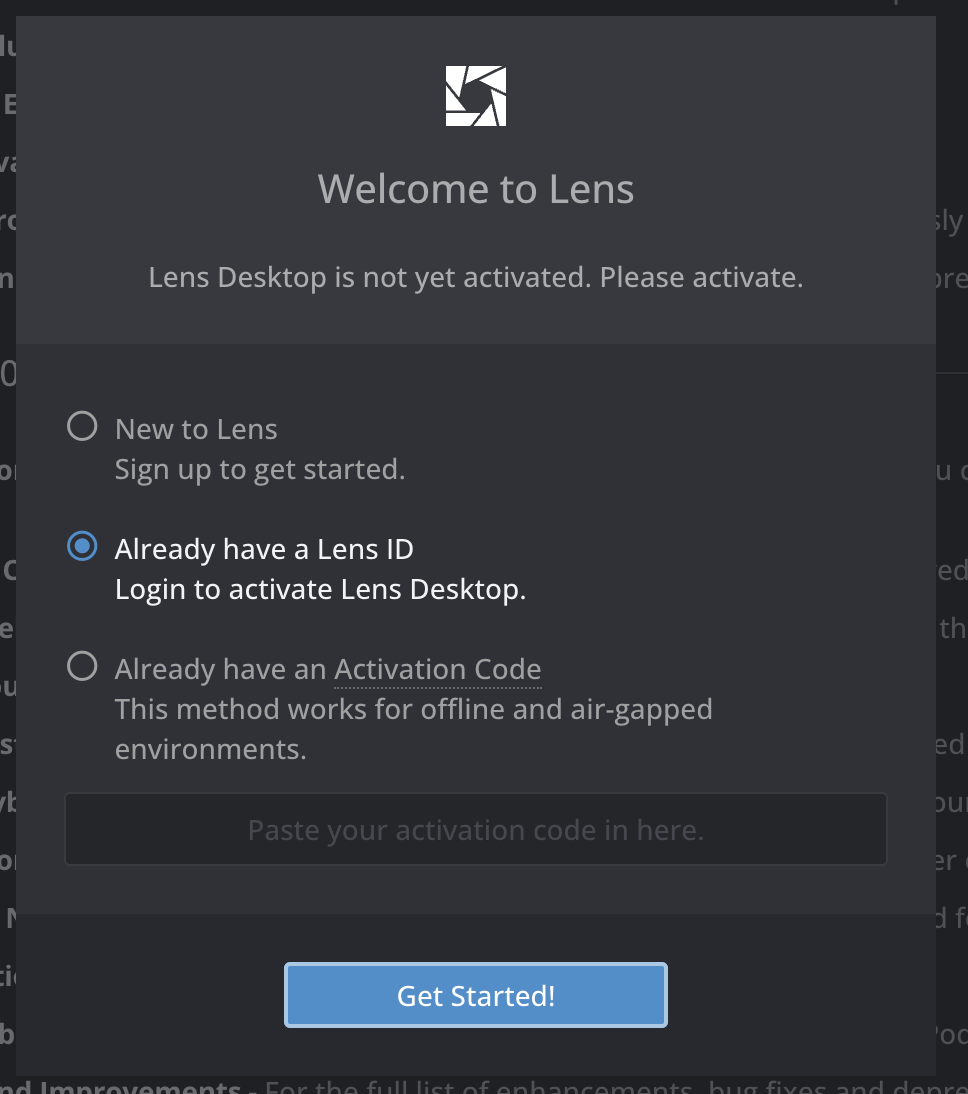
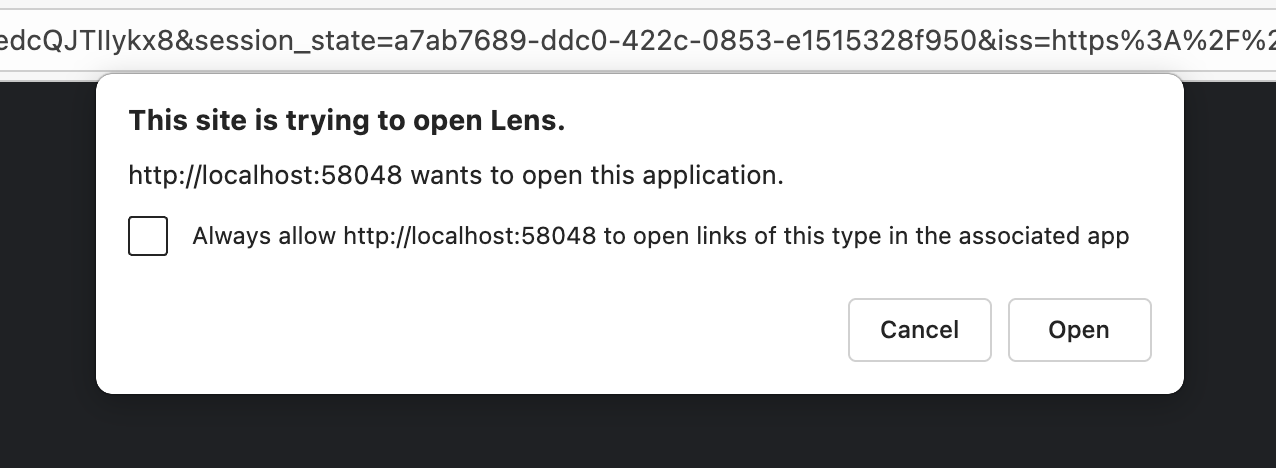
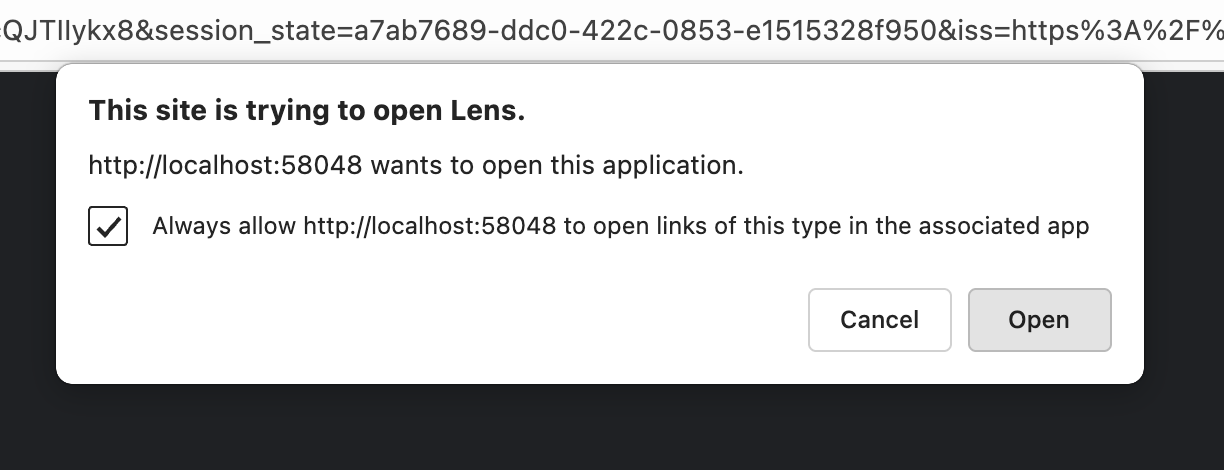
Hey I am trying to set up Lens but I am not able to do it. When I click on already have a lens Id, it takes me to browser which is fine, but after then it tries to open the app, but is not able to do so I am kind of stuck in a loop. I keep getting the pop up that this site is trying to open the lens app, I mark always allow and click open, but instead of opening the Lens app, it just opens same link in new tab ans asks for same permission again, again I click always allow and same thing happens again. I tried different browser like edge, chrome, safari and same issue with all of them. Please help resove this issue.
Hello @nileshk1,
Thank you for reaching out to Lens support!
Thank you for reporting this issue.
I’ll let the dev team about it.
Best Regards,
Tikhon Kudinov
Lens Support Engineer
Mirantis, Inc
Hi @nileshk1 ! Thanks a lot for the detailed report — that really helps.
Could you please try this quick workaround first:
- Close all Lens-related browser tabs
- Open Lens ID in your browser
- Sign in there with your Lens ID credentials
- Start the Lens Desktop app again and click “I already have a Lens ID”
Then please reply and tell me what happened (did the loop stop or is it still the same?).
To help us narrow it down, also include:
- your OS + version (Windows/macOS/Linux)
- Lens Desktop version
- which browsers you tried
Once we have your feedback, we can pinpoint where the handoff to the app fails and investigate the root cause. Thanks again — we’ll get this sorted.