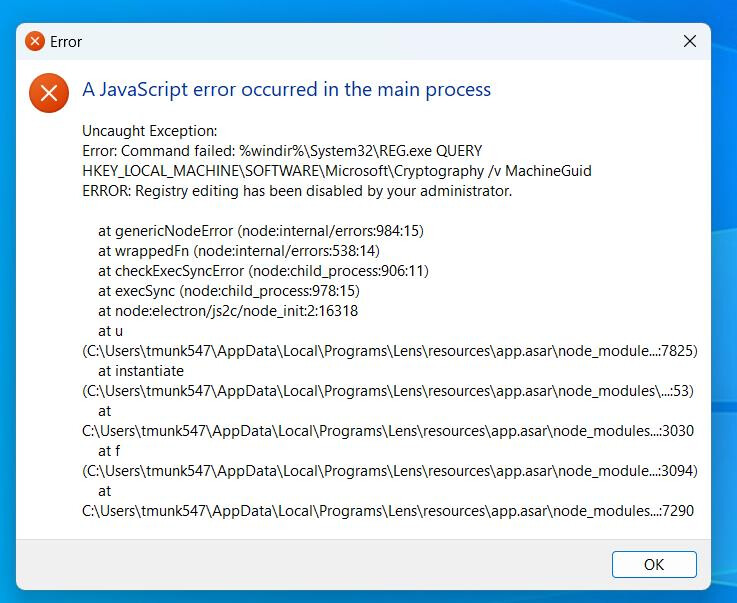
Thanks a lot for sharing this issue — and sorry you’re running into this! That’s definitely not a great experience, especially when you just want to get your work done.
From what we can see, Lens is trying to read a registry value (MachineGuid) during startup, but your system is blocking that due to restricted permissions. This is common in corporate or managed environments where registry access is limited by your IT policy.
We’ll review this behavior as a team to see if we can handle it more gracefully in the app going forward.
In the meantime, we recommend reaching out to your IT department and asking if they can allow read-only access to this registry key:
The problem is not the registry key: It already has “read-only” access for the user and “All Application Packages”. The problem is non-admin users is getting “access denied” running reg.exe.
A temporary workaround is to ask your admin give you “read” access to the executable C:\WINDOWS\system32\reg.exe (reason why the Access Denied error).
A fix is to update LENS to use this PowerShell command to get the machine ID instead of using reg.exe
(gi HKLM:\software\Microsoft\Cryptography).GetValue(‘MachineGuid’)